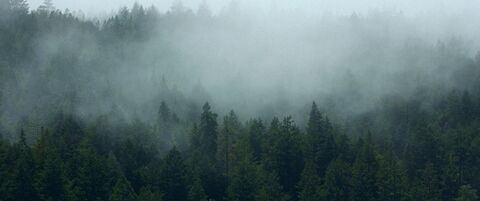
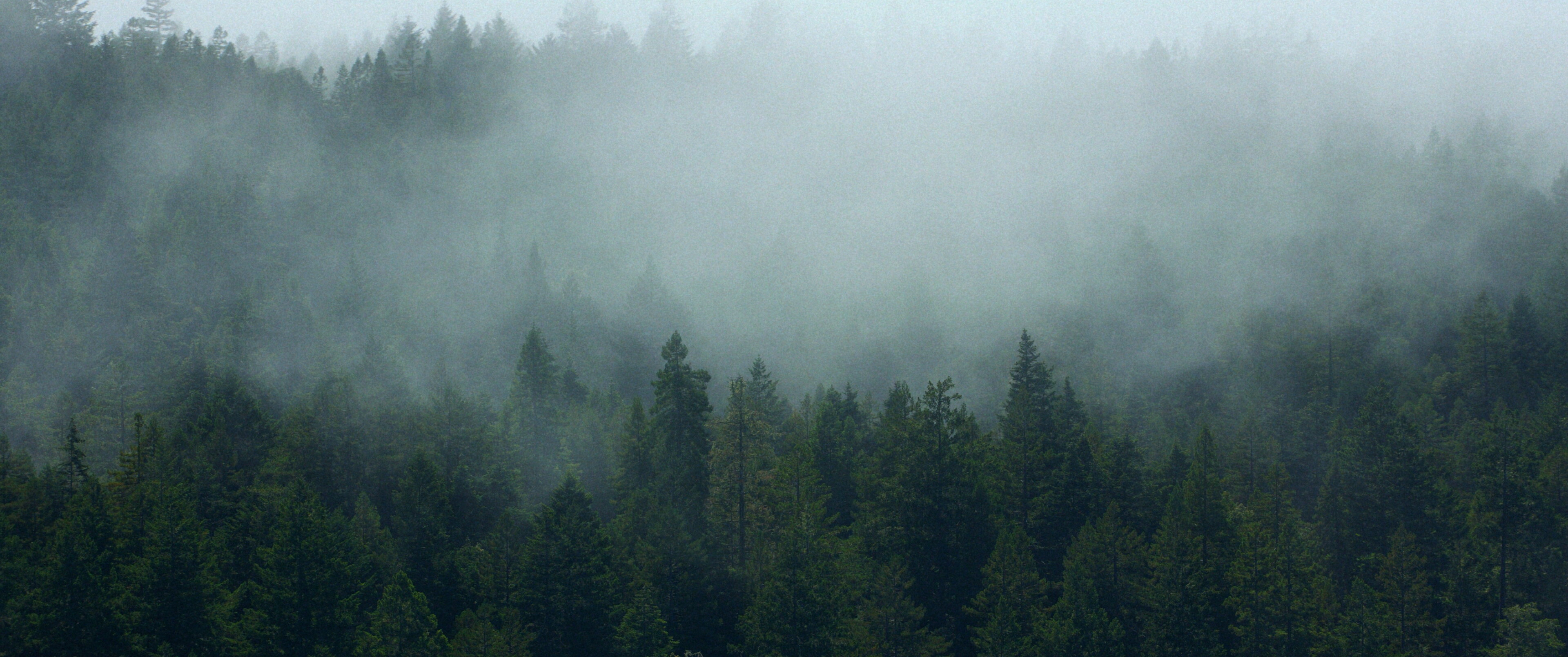
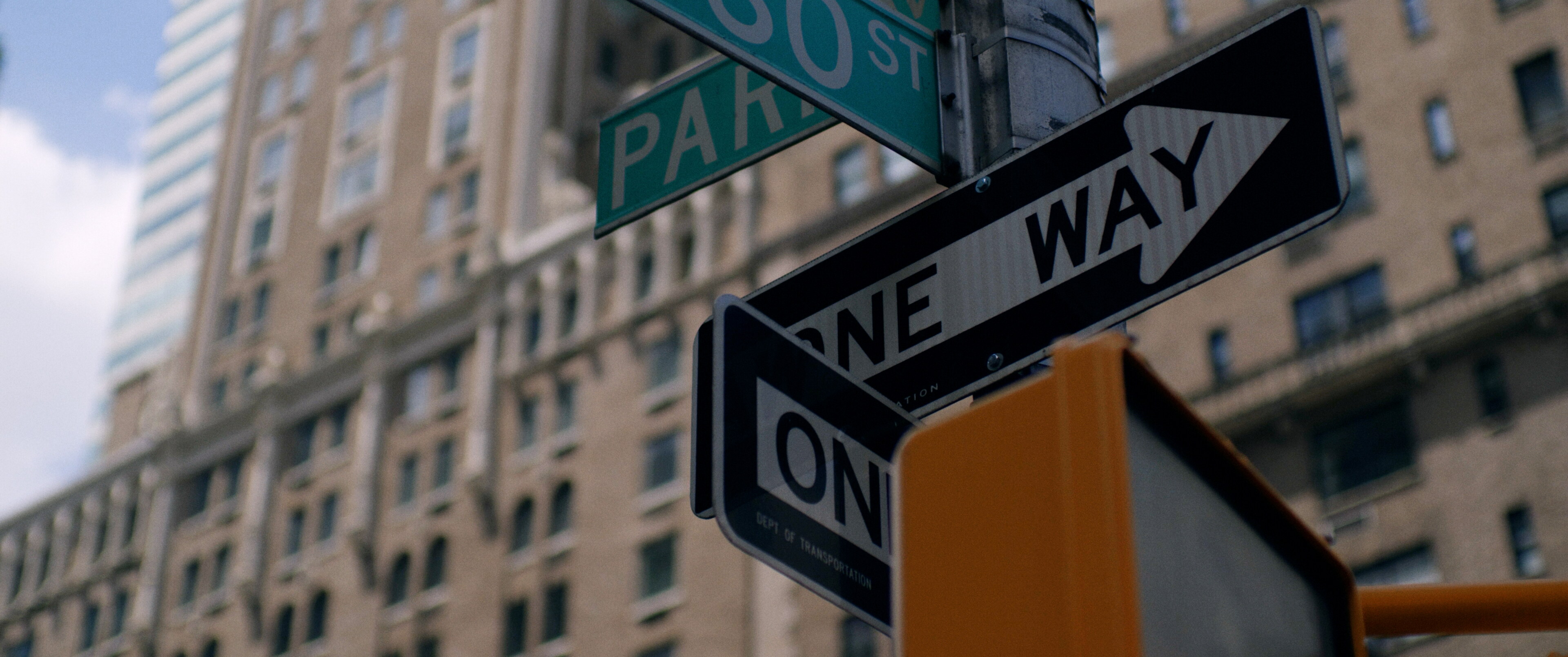
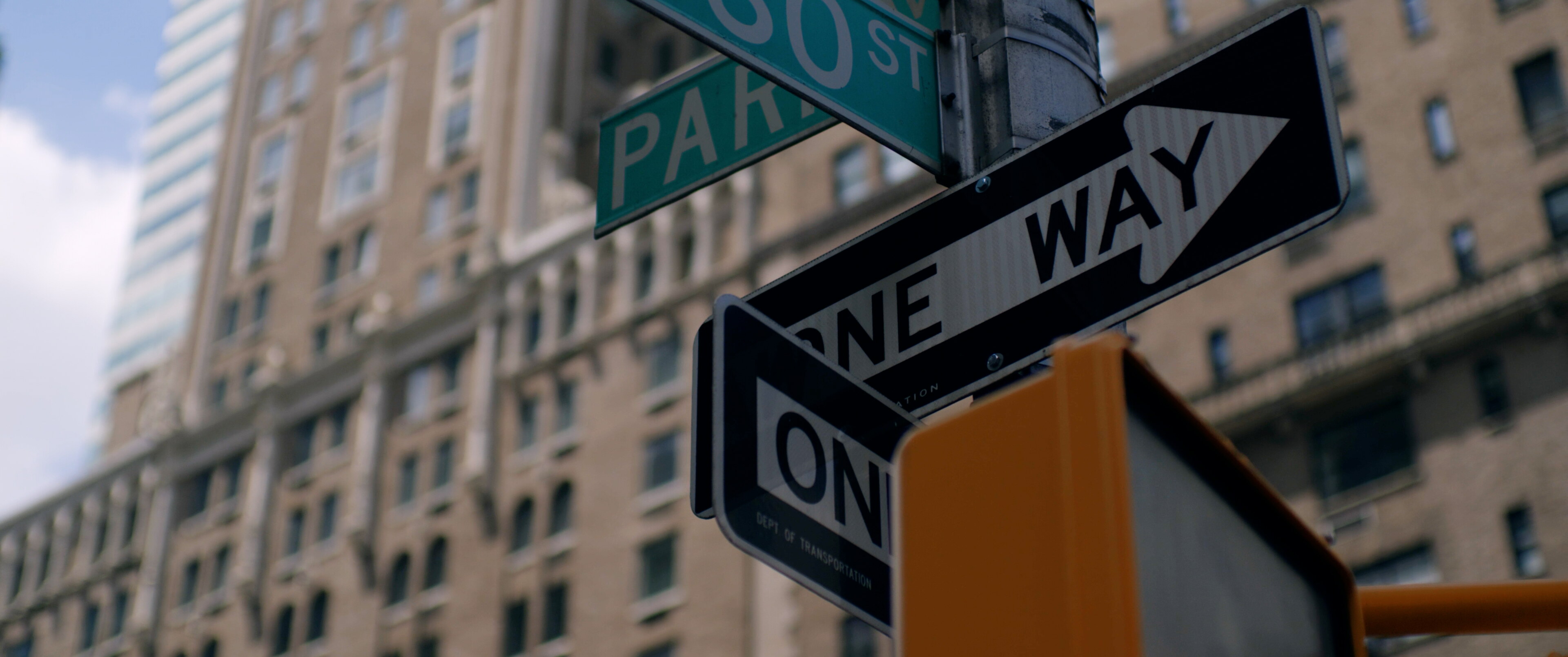
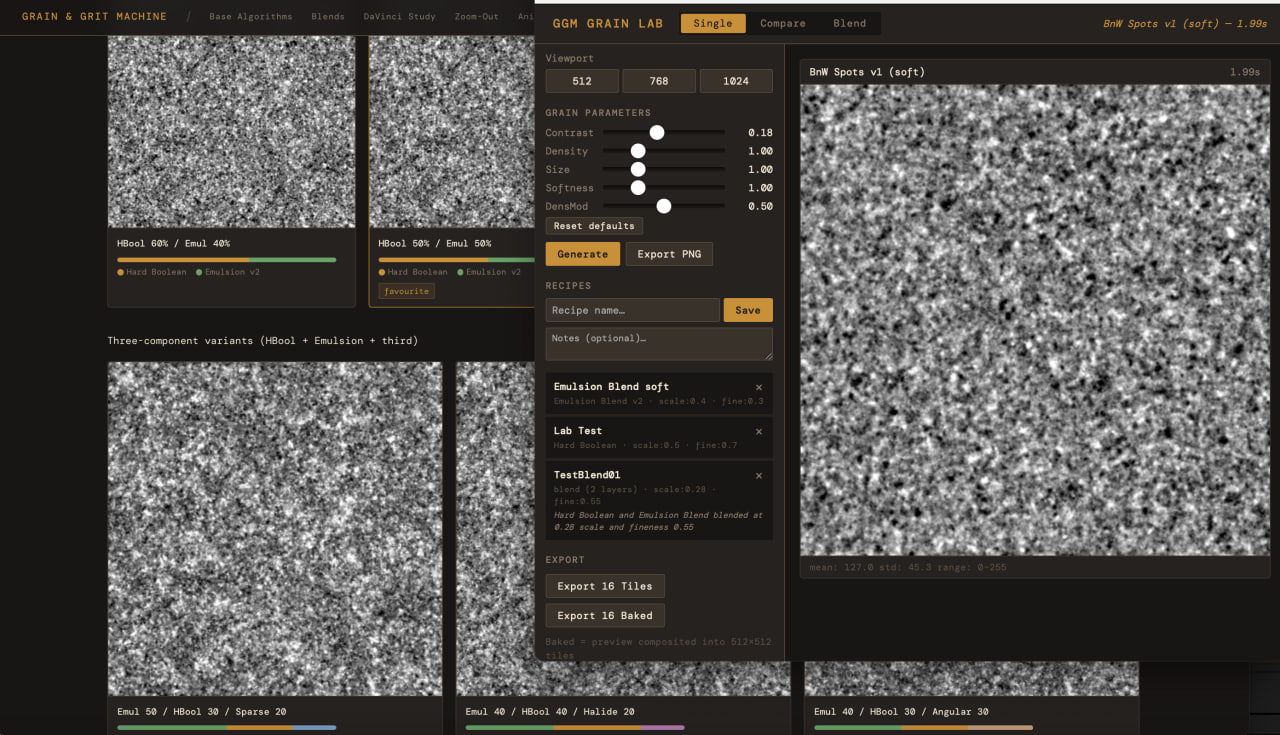
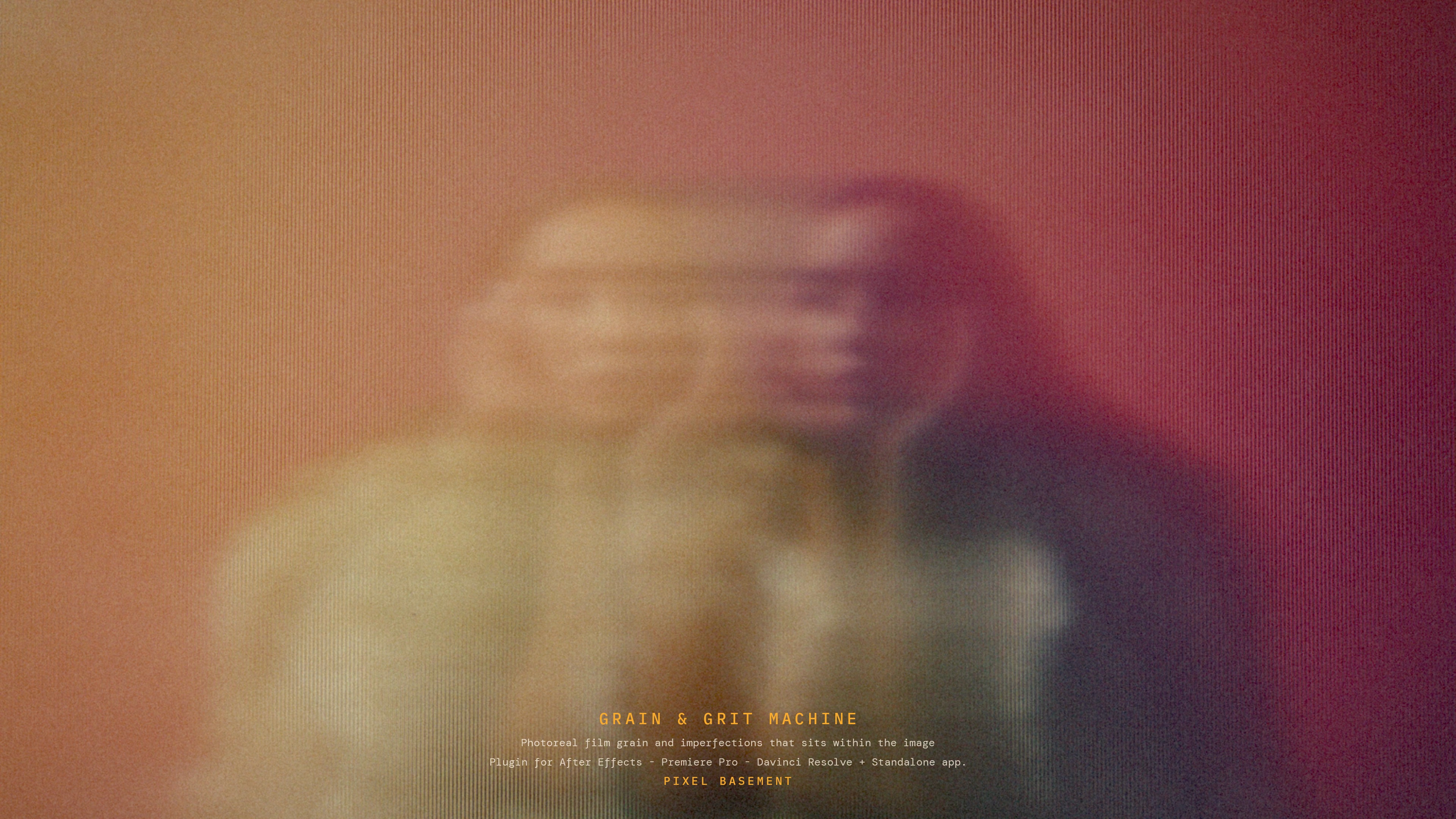
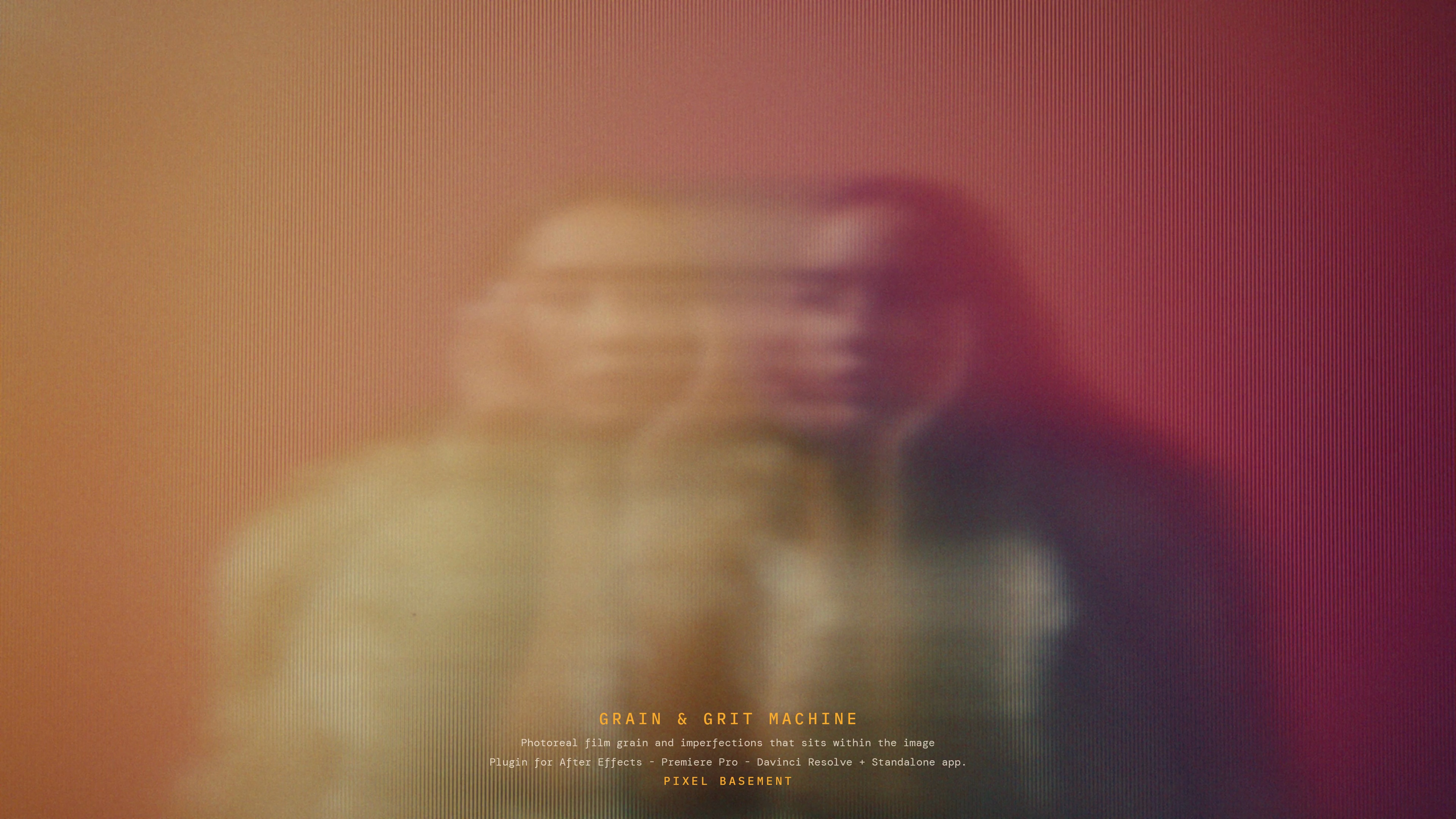
HERO BEFORE/AFTERAdd assets/img/hero/hero-ba-before.jpg (clean frame) + hero-ba-after.jpg (same frame, GGM-grained). Must be the same frame, pixel-aligned.
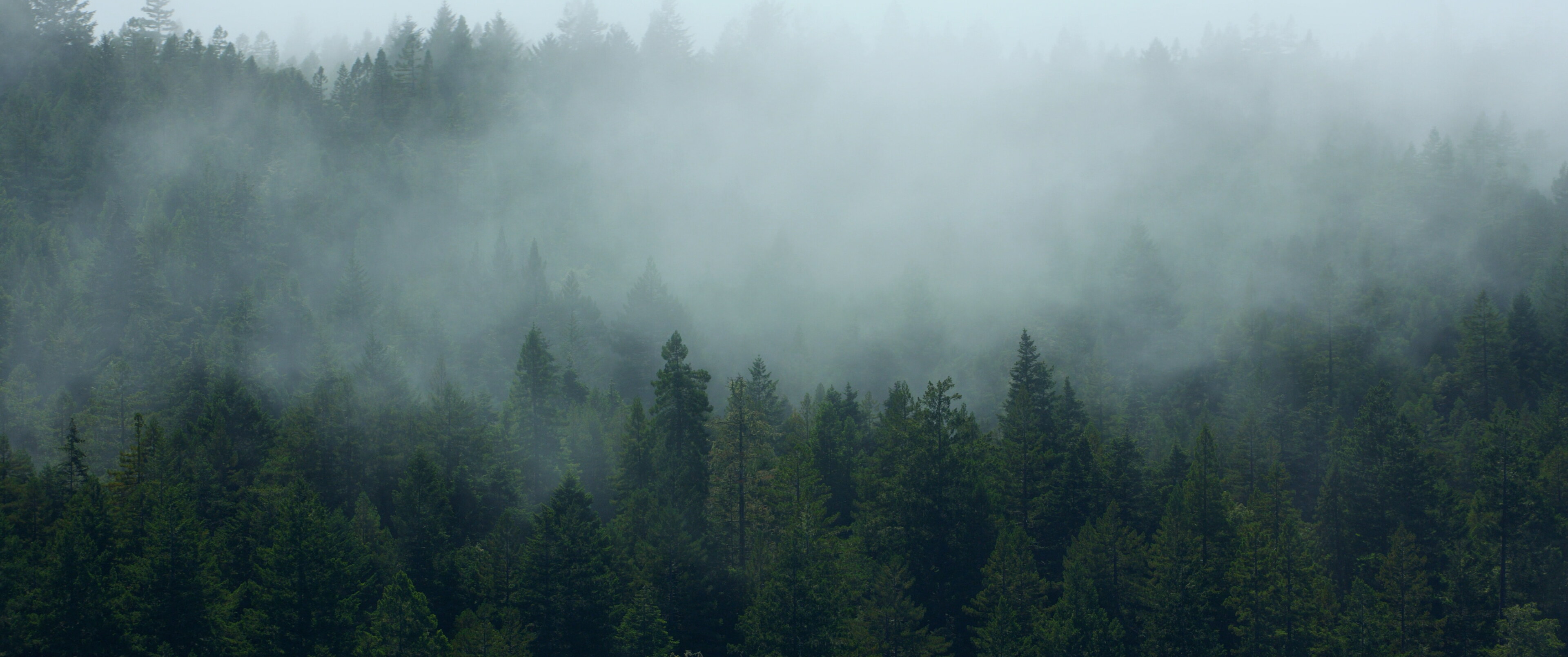
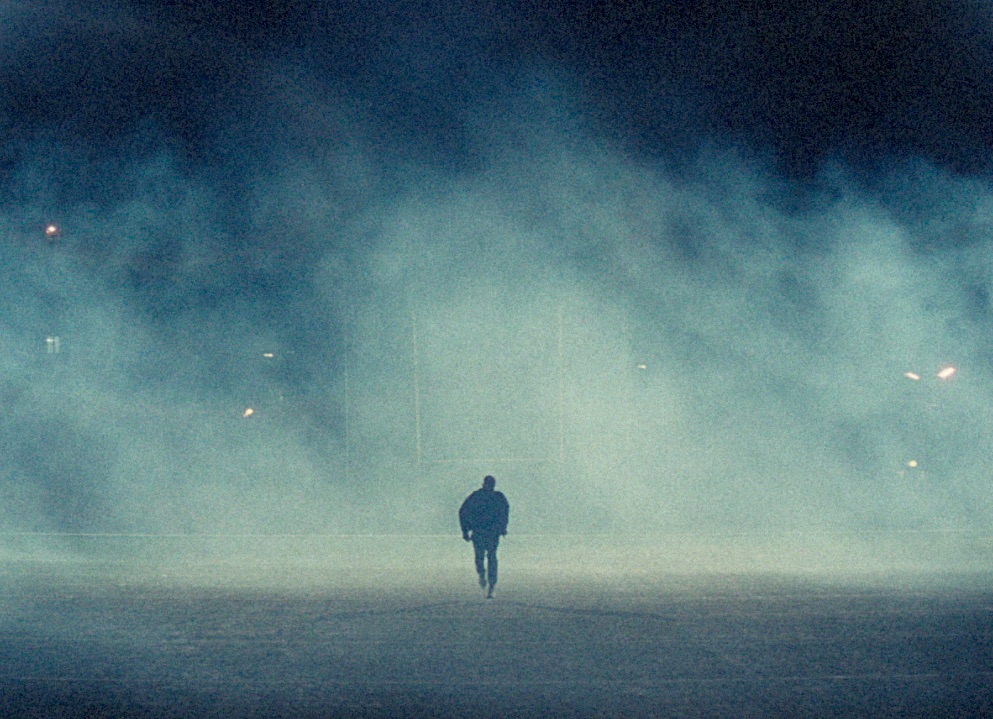
HERO 5Add assets/img/hero/hero-5.jpg
HERO 1
HERO 2
HERO 3
HERO 4
B/A
HERO 5
from Pixel Basement
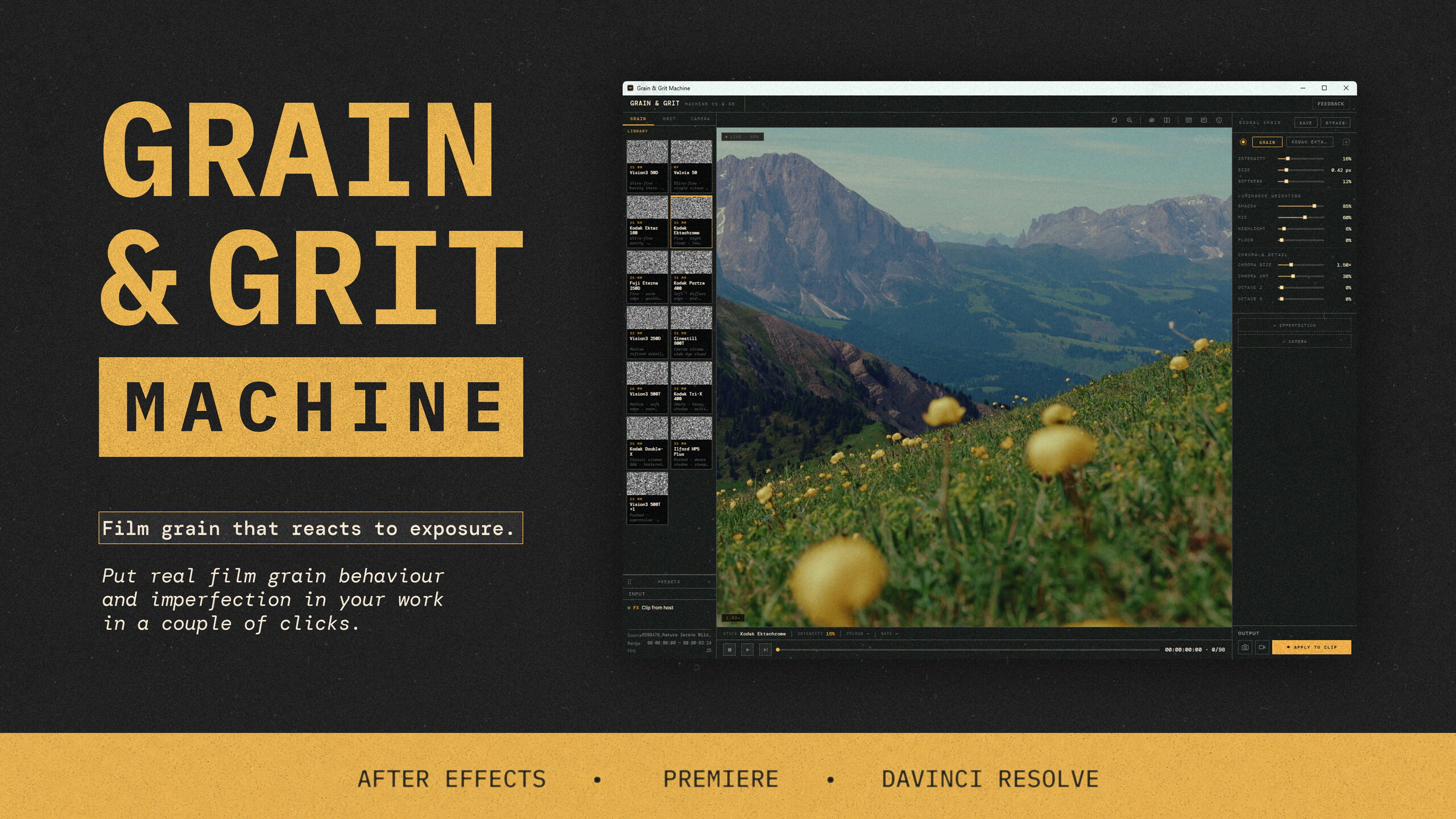
Grain & Grit Machine
Film grain that reads your footage. Put real film behaviour and crafted imperfection straight onto your clips inside Premiere and After Effects.
Risk-free · full refund if it's not what you expected
CompatibilityPremiere · AE
PlatformmacOS · Windows
LicencePerpetual · pay once
IncludesPlugin + standalone app
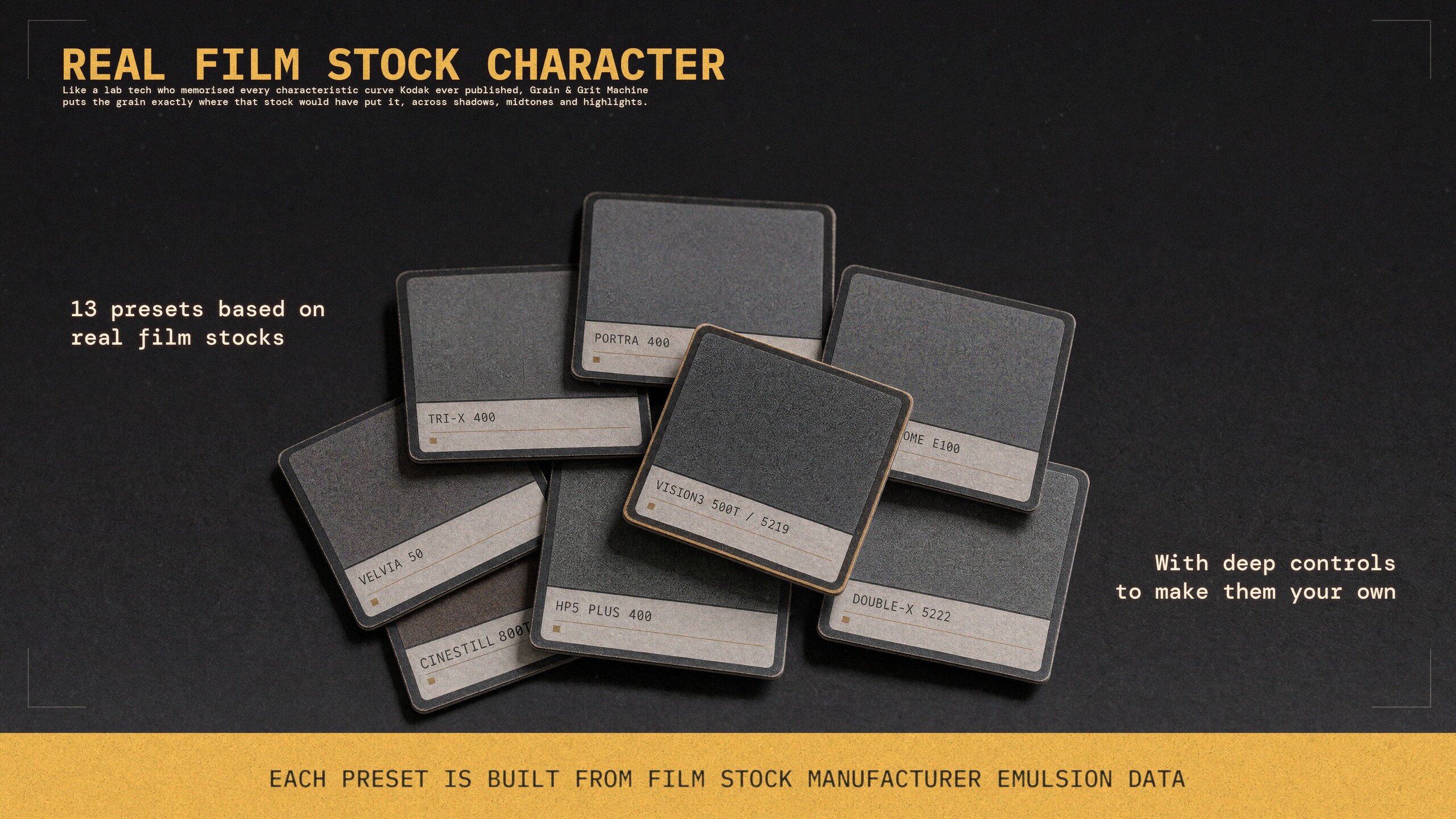
13Film stocks
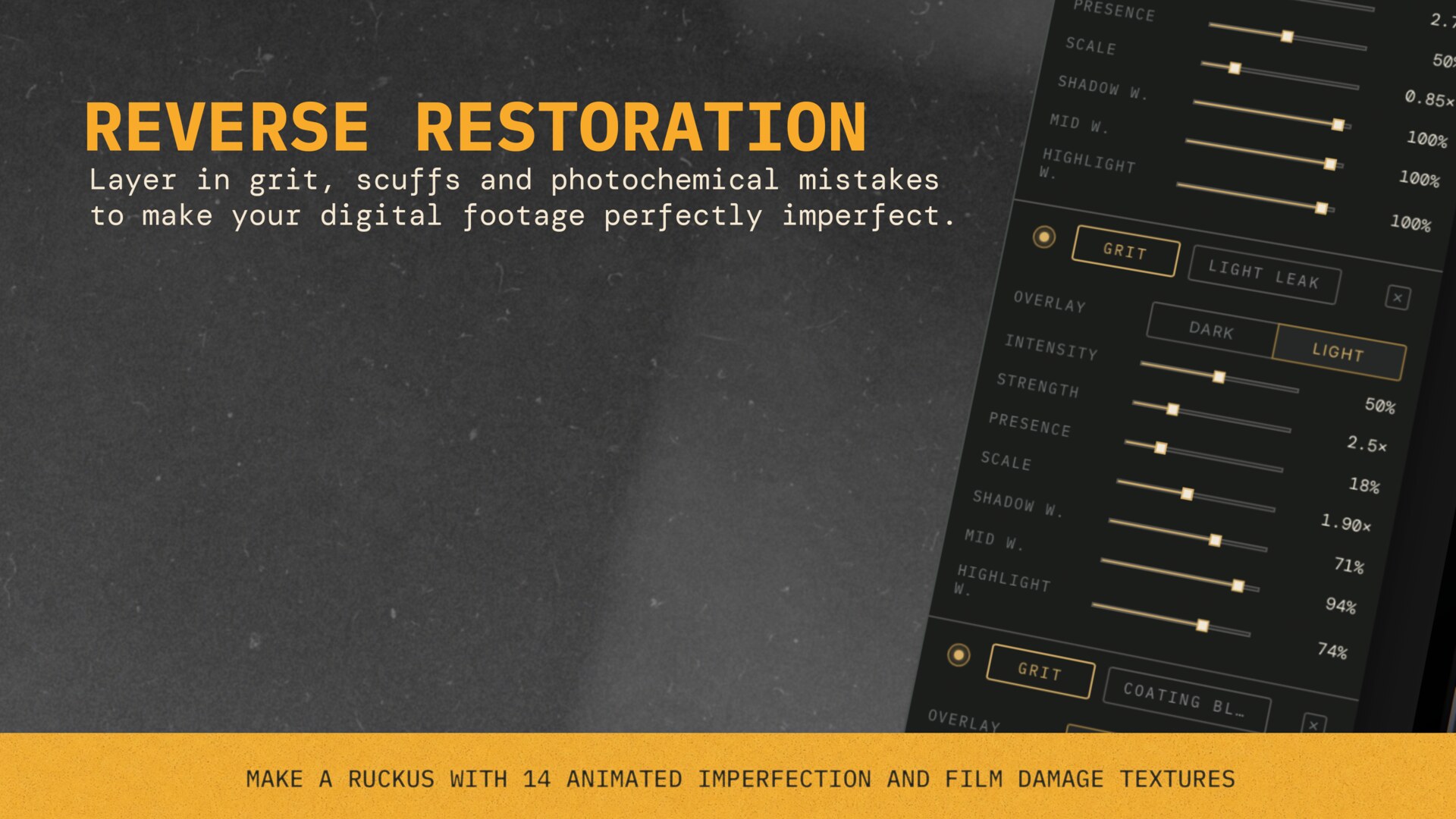
14Imperfection textures
GPUReal-time preview
Instant download
Refund guarantee
Dedicated support
Grain rendered from your image. Not pasted on top.
Overlays put the same texture on your shadows as your highlights, floating on top of the image. Grain & Grit Machine computes grain per-pixel from the light in your footage, using emulsion data measured from real film stocks. It looks like film because it behaves like film.
GGM v0.1 · dialling in luminance weighting · real-time
The difference
Overlay vs GGM.
Overlay on the left, GGM on the right. Drag the lens to inspect the grain at 250%.
Overlay · every other tool
Rendered · GGM
Drag the lens · 250% magnification
Watch
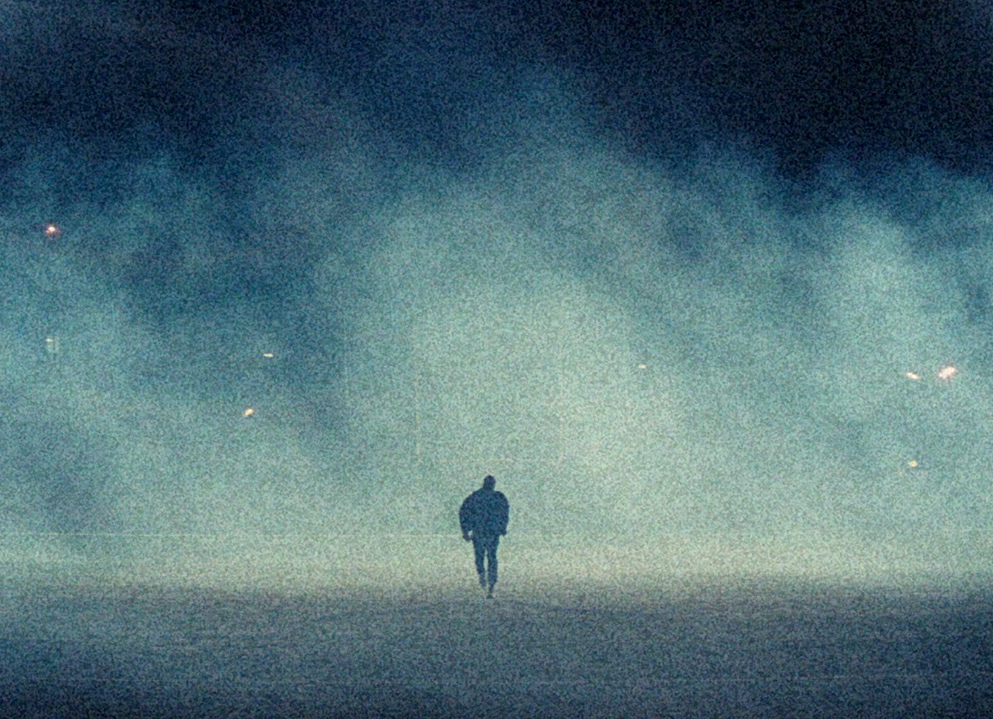
Grain that reacts to the image.
Graded with GGM · grain rendered into the image
“
It's exactly like film — without having to actually shoot on film.
Stu McCardleDirector / DOP
Inspect
Compare the grain up close.
Before on one side, GGM on the other. The circles magnify the grain so you can see exactly what it's doing in the highlights and shadows.
Film grain comes from light hitting the silver halide crystals in the emulsion. The light varies across the frame, so the grain does too. An overlay lays the same texture across the whole frame, but real grain isn't uniform.
That's why grain peaks in the midtones, thins out in the shadows, and flattens in the highlights. Every film stock has its own response curve, its own distribution of where grain shows up and how much.
Grain & Grit Machine models this. Each stock carries its own measured response curve, and grain is rendered per-pixel from that data. Grain doesn't go on top of the image. It comes from the image.
Film stocks
A growing library of measured stocks.
Every stock in the library is modelled from real emulsion data — crystal size, tonal response, and chroma behaviour. Not approximated. Measured.
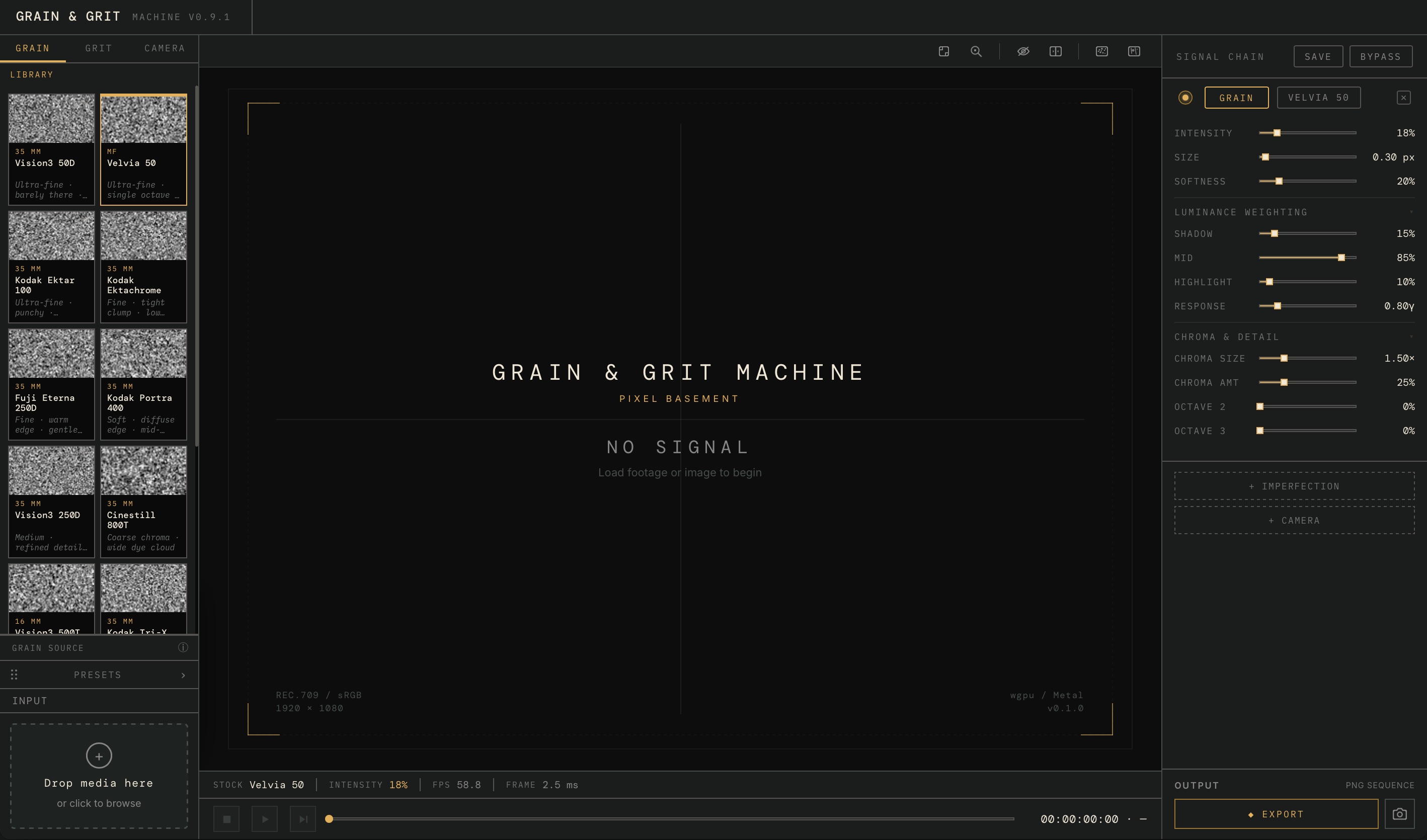
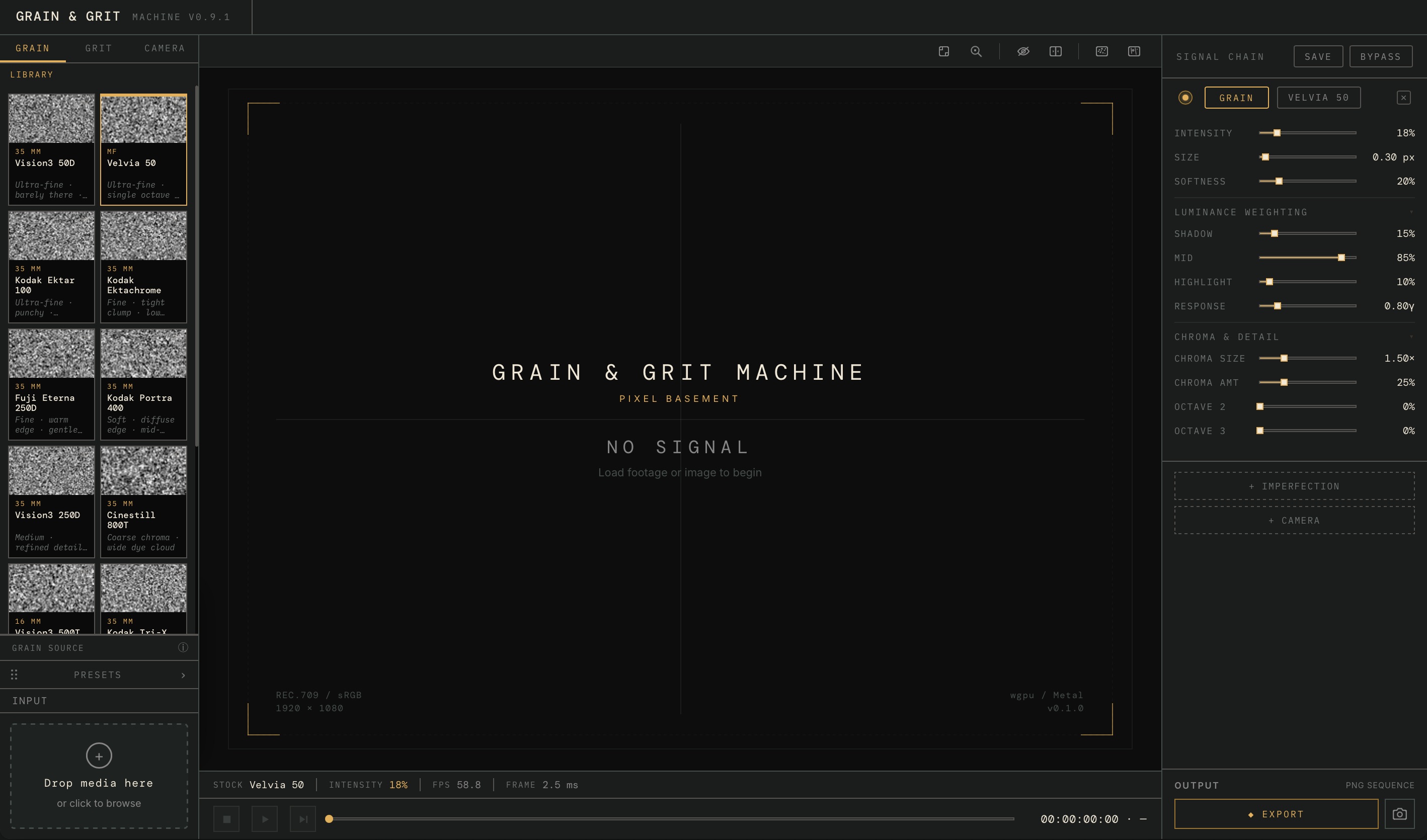
Drop a stock on your clip and the texture's done. Or open it up: push grain into the shadows, back it off the highlights, size the crystals, split the colour grain onto its own channel. If it shapes the texture, there's a control for it.
GGM v0.1 · Kodak Ektar 100 · Signal chain active · wgpu / Metal
Stock presets
13 measured stocks · a finished look in one click
Luminance weighting
Shadows, mids and highlights, each with its own weight
Chroma & detail
Colour grain on an independent channel
Signal chain
Grain → Imperfection → Camera · stack and combine
NLE integration
Premiere Pro · After Effects
Export
Seeded and deterministic · identical every render
Look closer
The detail holds up at any scale.
At 400%, the grain is more visible — but no less structured. No repeating tiles. No clumping pattern. The blue noise distribution holds at every magnification.
GRAIN MACRO — 400% CROPPixel-level crop showing blue noise distribution. No clumps, no pattern, no repeating tile. Crystal character varies across luminance zones.
400% crop · blue noise visible at pixel level · Ektar 100 · 1.4µm
Specifications
System requirements & compatibility
PlatformmacOS · Windows
GPUwgpu (Metal / Vulkan)
NLEsPremiere · AE
Colour spaceRec.709 / Log C / S-Log3
PipelineLinear light blending
ExportPNG sequence · deterministic
Spatial engineVoid-and-cluster (Ulichney, 1993)
LicencePerpetual · 1 user / 2 devices
Is this for you?
This is for you if
You've tried grain overlays and they never look right
You grade in Premiere or After Effects
You care about the difference between "film look" and actual film
You want grain that responds to the image
You want the same grain on every render
This is not for you if
You want a one-click Instagram filter
You're happy with noise at 15% opacity
You don't care what's under the hood
from Pixel Basement
Built from experience.
Twenty years in VFX and post-production. I've used a lot of tools on the job. I always wanted a film grain tool that accurately models real film stocks, and the imperfections that come with shooting on film. So I built Grain & Grit Machine. It's gone through years of development, grounded in real emulsion research and photochemistry.
If it's not what you expected, email and you get your money back. No forms, no hoops, no questions.
1:1 dedicated support
A direct line to the person who built it. Questions, problems and requests answered by the maker, not a ticket queue.
FAQ
Questions.
How does the NLE integration work?+
GGM installs as a plugin inside Premiere and After Effects. Drag it onto your clips in the timeline like any effect, pick a stock, dial it in, apply to clip.
Plugin or standalone?+
Both, in one install. The plugin lives in your NLE timeline. The standalone app is where you preview full-screen, dial in looks, and build presets.
Is it a subscription?+
No. Perpetual licence. Pay once. All v1.x updates included.
Works on graded footage?+
Yes. GGM applies grain in linear light. Your grade is preserved.
GPU requirements?+
wgpu (Metal on macOS, Vulkan on Windows/Linux). Modern discrete GPU recommended for 4K+ preview.
How is this different from FilmConvert or Dehancer?+
Most tools use scanned grain plates or noise generators. GGM renders grain procedurally — per-pixel, from a physically modelled emulsion. The grain responds to your image.
Same grain every render?+
Yes. Deterministic, seeded, pixel-identical. Every time.

 Overlay · every other tool
 Rendered · GGM